Music Teachers: Copy Ready Parent Communication, Safeguards, Allegro

Independent music teachers should limit parent communication to a business email or studio management tool, publish office hours, and commit to replying within one working day. For students under 18, every message belongs to the parent or guardian account, and recordings require written consent before you hit record. This single policy, stated once at enrollment, prevents most of the confusion that turns into a dispute later.
TL;DR:
- Publishing clear studio policies before lessons start and requiring family signatures helps prevent misunderstandings about communication and payment expectations.
- All messages involving minors must go through a parent-controlled account, and written consent is necessary before recording lessons to ensure proper safeguarding.
- Responding within one business day and setting consistent office hours across all platforms reduces after-hours messaging and builds trust.
- Keeping detailed, dated records of disputes and referencing written policies allows for clear, factual communication that can prevent escalation.
- Using templates and automated summaries like Allegro’s Encores minimizes ad-hoc messaging and reinforces boundaries through consistent, professional communication.
Table of Contents
- What every studio policy should cover
- Copy-ready scripts for common parent messages
- Protecting minors in every digital interaction
- How to set hours parents will actually respect
- Handling disputes without losing your footing
- A written policy that paid off
- What most boundary advice gets wrong
- How Allegro Music Studio helps enforce these boundaries
- Sources
- FAQ
What every studio policy should cover
A written policy only works if families can find it and refer back to it. Share it at enrollment, post it on your website, and reference it in every onboarding email so no one can claim they missed it.
The most effective studio policies, according to guidance on developing studio policies, are published before the first lesson and require a signature or electronic agreement before lessons begin. At minimum, yours should spell out:
- Contact channels: a business email address, a studio management tool, or scheduled phone calls, never a personal cell number or social account.
- Office hours and response time: state the days and hours you’re reachable and the target for replies, such as “within one business day.”
- Cancellation and payment rules: how much notice is required for a cancellation, how make-up lessons are scheduled, and what happens with a late payment.
- Lesson content and practice expectations: what a typical lesson covers and how much parent involvement is expected at home.
- Recording and privacy policy: whether lessons are recorded, who can access the recording, and how long it’s kept.
- Agreement process: a signed form or a digital acknowledgment that confirms the family has read and accepted the policy.
The MTNA Code of Ethics calls for teachers to state studio expectations clearly at the start of the relationship and to keep every interaction professional from that point forward. That single habit, communicating the rules before a problem arises rather than after, does more to prevent conflict than any amount of diplomacy once a disagreement is underway.
Copy-ready scripts for common parent messages
You don’t need to write these from scratch every time a situation repeats. Draft once, save the template, and reuse it.
- Onboarding email: “Welcome to the studio. Attached is our studio policy covering lesson scheduling, payment, and communication. Please reply with your signature or complete the linked form before our first lesson.”
- Office-hours auto-reply: “Thanks for your message. I respond to emails within one business day during studio hours, Monday through Friday. For scheduling changes, please use the studio portal.”
- Quick acknowledgment: “Got it, thank you. I’ll follow up with details by tomorrow.”
- Late-payment reminder: “This is a friendly note that tuition for this month is past due. Please submit payment by [date] to keep your lesson slot.”
- Cancellation confirmation: “Confirming your cancellation for [date]. Per our studio policy, make-up lessons can be scheduled within two weeks.”
- Redirecting a personal matter: “I appreciate you sharing that, and I hope things go well. For lesson-related questions, I’m glad to help anytime during studio hours.”
Pro Tip: Store these templates in your email’s canned-response feature or inside your studio management tool so you’re never drafting a reply from scratch under pressure.
Protecting minors in every digital interaction
Any message involving a student under 18 should go to the parent or guardian, not the student directly. The ISM’s safeguarding guidance for remote lessons is explicit on this point: digital communication with minors should be directed to or copied to a parent or guardian account to avoid private one-on-one contact.
A few rules keep this simple and consistent:
- Deliver online lessons through a parent-controlled account whenever the platform allows it.
- Never follow or accept a follow request from a minor student on personal social media; keep a separate professional page if you want a public presence.
- Get written consent before recording any lesson, and document who can access the recording and how long you’ll keep it.
- Keep all communication inside a business email or studio platform rather than personal text or messaging apps, so there’s a record if a question ever comes up.
Publishing office hours and a response time target cuts down on after-hours messages, according to Musicteacher, because it removes the ambiguity that leads parents to message at all hours expecting an instant reply.
A sample handbook from Settlement Music shows this in practice: communications are limited to scheduling, homework, and attendance, parents are copied on all correspondence with minors, and private social messaging with a minor student is forbidden outright.
How to set hours parents will actually respect
Publish your availability everywhere a parent might look: your website, your invoices, and the confirmation email for every lesson. Consistency across all three is what makes the policy stick.
MusicTeacher.com’s standards recommend replying to inquiries within one working day. That target is generous enough to protect your evenings and weekends, while still fast enough that families don’t feel ignored.
- State your hours plainly: “Office hours are Monday through Friday, 9 AM to 5 PM. I respond to messages within one business day.”
- Set an auto-reply for after-hours messages so senders know when to expect a response.
- Reserve a short emergency-only line of communication, such as a text for same-day cancellations, and say so explicitly in your policy.
- Note any exception you make, and why, so your policy stays consistent the next time a similar request comes up.
Handling disputes without losing your footing
When a disagreement comes up, your first move is to check the record, not your memory. Keep dated copies of every relevant email or message.
- Respond by restating the specific policy that applies, offering the remedy it describes, and asking the parent to confirm they’re on the same page.
- If the issue doesn’t resolve there, escalate it: to a studio manager if you have one, a mediator, or a professional association for guidance.
- For a refund or termination situation, keep the language factual: “Per our studio policy, cancellations with less than 24 hours’ notice are non-refundable. I’m happy to offer one make-up lesson as a courtesy.”
- Close the loop in writing even after a phone call, so there’s always a dated record of what was agreed.
A written policy that paid off
A parent once asked me to extend a late-payment grace period indefinitely, and pointed to a conversation we’d supposedly had about it. We hadn’t. Because my studio policy stated the late-fee terms in writing and the parent had signed it at enrollment, the conversation ended in two emails instead of two months of back-and-forth.
That’s the real value of a policy: it removes the guesswork for both sides. Centralizing lesson notes into short summaries for parents, what we call Encores on Allegro, did the same thing for day-to-day updates. Parents stopped asking “how’s it going?” because they already knew.

What most boundary advice gets wrong
Most advice on this topic treats boundaries as a personality problem, something about being too nice or too available. It’s usually a systems problem. A teacher with a clear, published policy and a habit of sending consistent updates rarely gets tested the way a teacher who improvises their limits does.

The ISM and MTNA guidance both point the same direction: state the rule once, in writing, before there’s a reason to enforce it. The conventional wisdom overcorrects toward either rigid formality or constant availability. Neither works. What works is narrow, predictable channels and a response time you can actually hold to every week, not just when things are calm.
If you prioritize one thing from this article, make it the written policy at enrollment. Templates and office hours matter, but they only hold up when families have already agreed to the terms in writing.
— Dave
How Allegro Music Studio helps enforce these boundaries
Allegro turns your lesson notes into Encores: short, parent-ready summaries that cover what was practiced and what’s next, sent automatically instead of typed out by hand after every lesson. That alone removes most of the ad-hoc messaging that erodes office hours.
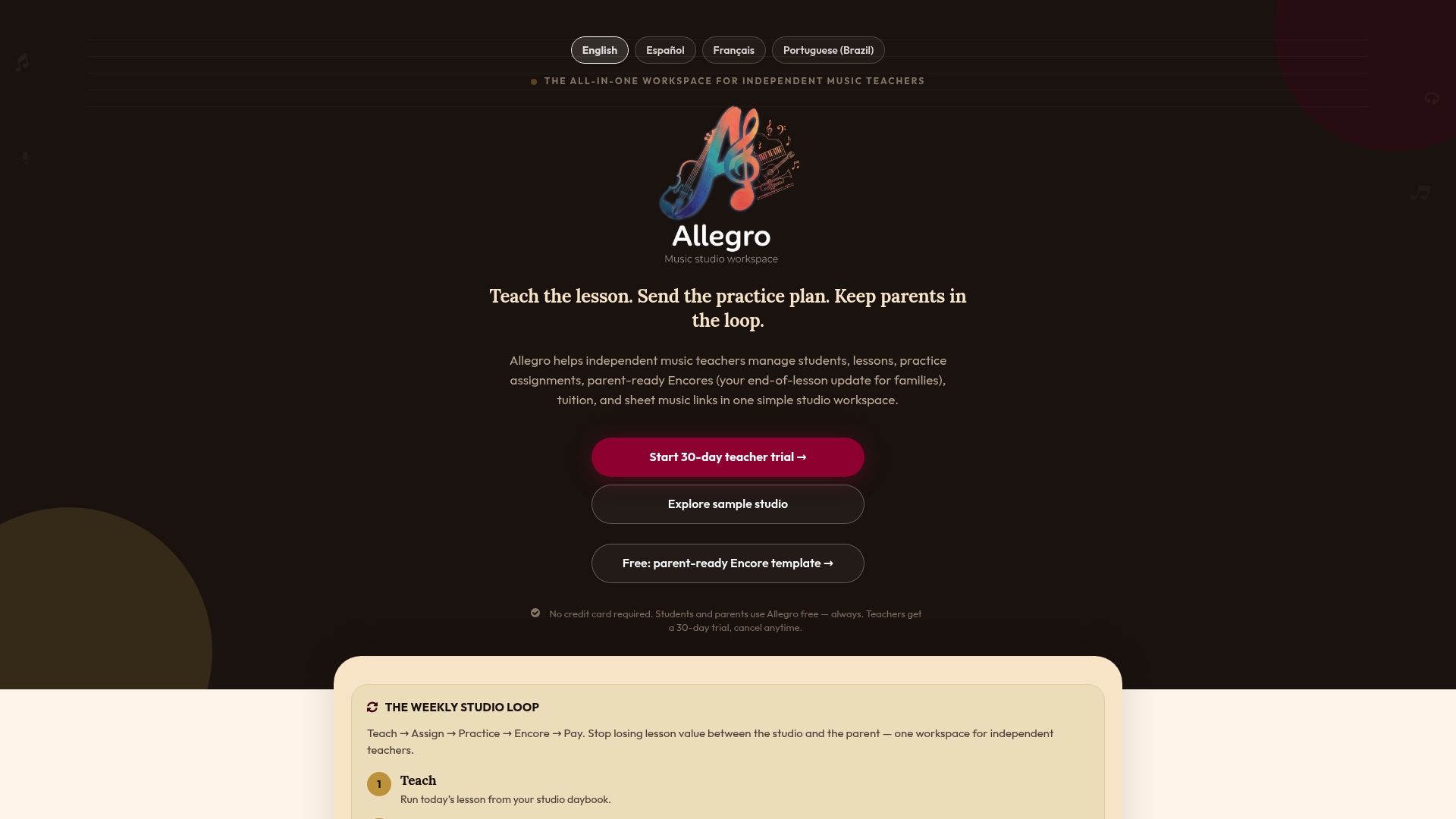
- Published office hours and contact details live in one place parents can always find.
- Invoicing and signed policy agreements can be managed alongside your lesson notes.
- Payment terms and late-fee language, similar to the practices covered in this guide to collecting studio payments online, can be built into your Allegro invoices directly.
Allegro offers a Solo plan and a Studio plan, both detailed on the Allegro Music Studio landing page. If you’re tired of retyping the same policy reminders, it’s worth a look.
Sources
- Musicteacher
- ISM safeguarding guidance for remote lessons
- Code of Ethics - Music Teachers National Association
- Parent-Student Handbook (Settlement Music, 2026)
FAQ
How fast should I respond to a parent’s message?
Aim to reply within one working day, as recommended by MusicTeacher.com’s professional standards. Publishing this target on your website and invoices sets the expectation before a parent ever has to ask.
Should I text or message students under 18 directly?
No. Direct digital communication for students under 18 to a parent or guardian account, or copy them on every message, following ISM safeguarding guidance. This keeps a clear record and avoids private one-on-one contact with a minor.
Can I accept a social media follow from a student?
Avoid accepting follow requests from minor students on personal accounts; a sample handbook from Settlement Music forbids private social messaging with minors outright. Adult students can typically follow a separate professional teacher page instead.
Do I need written consent to record a lesson?
Yes. Obtain written consent before recording any lesson, and document who can access it and how long it’s stored, per ISM safeguarding guidance. Parents can also be offered the option to record the lesson themselves instead.
What should a studio communication policy include at minimum?
It should name your contact channels, published office hours, response-time target, cancellation and payment rules, and your recording and privacy policy. Requiring a signed or digital agreement at enrollment, as outlined by the MTNA Code of Ethics, makes the policy enforceable rather than just suggested.