Batch Demo Videos for Parents in 30 Minutes a Week for Music Teachers

Demo videos for parents are short, teacher-recorded clips paired with clear at-home instructions that show families exactly what to listen for and how to help. The main payoff is an asynchronous feedback loop where students record practice, teachers respond briefly, and parents get plain guidance instead of guesswork. Start small: record one 60-second demo for one student this week and send it with a two-line note.
TL;DR:
- Short, focused demo videos improve technical accuracy and encourage self-regulation by providing aural, visual, and playback feedback in less active practice time.
- Videos should be under 90 seconds, clearly highlight one technical detail, include time-stamped instructions, and pair with simple messages for parents to follow.
- Recording with a smartphone in a quiet space, framing close-ups of hands or instrument, and exporting at moderate resolution ensures accessibility and privacy.
- Weekly, narrow, targeted recordings and brief teacher responses support consistent motivation and manageable review for busy parents and teachers.
- Using platforms like Allegro Music Studio helps streamline lesson management, attach videos to practice plans, and enhance parent communication efficiently.
Table of Contents
- Why short, teacher-made demo videos and asynchronous feedback work
- What to include in a 60 to 90 second demo video for parents
- Simple recording checklist and low-cost gear tips
- Share-and-feedback workflow teachers can use
- Parent-ready templates and short messages to include with each video
- How Allegro Music Studio supports demo video workflows and parent communication
- Common challenges and solutions when making demo videos for parents
- How to tailor demo video content to different age groups or skill levels
- Examples of effective demo videos for parental use
- Ethical considerations and privacy concerns around recording and sharing children’s demo videos
- Practical perspective from an independent teacher on time budgeting and scaling
- Try Allegro for a simpler demo video workflow
- Sources
- FAQ
Why short, teacher-made demo videos and asynchronous feedback work
The case for this approach is not just convenience. Practice supported by an aural model, playback, and visual feedback produces meaningfully better technical accuracy than unsupported practice, and it does so with less active playing time, according to a 2026 study on scaffolded practice conditions. That combination, hearing the correct version, watching it, then getting a comment on their own attempt, is exactly what a short demo video plus a follow-up clip delivers.
Combining an aural model, playback, and visual feedback led to larger accuracy gains with less playing time than unsupported practice, per the same 2026 research. Asynchronous feedback also supports self-regulation: when students know a recording is coming, they tend to plan practice around it rather than drift through repetitions. For teachers, the practical wins stack up fast. In-lesson time gets freed from re-explaining the same fingering or breath support, parents finally see the technique instead of guessing from secondhand notes, and weekly practice gets a specific target instead of a vague “practice more.”
What to include in a 60 to 90 second demo video for parents
A demo video only works if it follows a structure parents can decode without musical training. Keep it under 90 seconds and build it around one goal, not three.
- Open with a short title and the single learning goal, spoken aloud in one sentence.
- Show a clear model of the passage or technique, once at performance tempo and once slowed down.
- Isolate the one technical focus, like bow angle, wrist position, or breath timing, rather than reviewing the whole piece.
- Give a one- or two-step practice prompt the student can repeat without you present.
- Note the measure numbers or a rough timestamp so parents know exactly where to look.
Time-stamped instructions matter more than they seem to. Short instructional videos in the four-to-ten-minute range helped parents transfer activities home, but many parents cited time pressure as the reason they skipped full videos, according to a 2022 study of remote music instruction. Marking exactly which ten seconds to watch cuts that friction directly. When rhythm or tempo is the issue, a short play-along or metronome click track added to the end of the clip lets the student practice against something steady instead of counting alone.
For younger or beginning students, pairing the demo with an audio play-along and a specific tempo marking works better than open-ended encouragement to “practice this section,” based on findings from a 2024 study of self-regulated practice support.
Pro Tip: Say the practice prompt out loud at the end of the video in one plain sentence, like “play measures 12 to 20 five times at 80 beats per minute,” so a parent with no music background can repeat it correctly.

Simple recording checklist and low-cost gear tips
You do not need a studio to make a usable demo. A smartphone, a quiet room, and a stable surface cover most of what matters.
- Prop the phone on a stack of books or a small tripod so the frame stays still for the full clip.
- Frame the shot to show hands, embouchure, or bow arm clearly, not just a wide shot of the whole body.
- Keep the video under two minutes and the file under 100 megabytes so it opens easily on a parent’s phone.
- Record in a room without a fan, dishwasher, or open window running in the background.
- For voice or wind instruments, an inexpensive clip-on lavalier microphone improves clarity far more than moving the phone closer.
- Export as MP4 at a moderate resolution rather than the phone’s maximum setting, which bloats file size without adding useful detail.
Pro Tip: Trim the first and last three seconds in your phone’s built-in editor before sending. It removes the fumbling start and stop and makes the clip feel finished.
Share-and-feedback workflow teachers can use
The weekly loop is what turns one-off videos into a system. It runs in three steps: request a focused clip from the student, review and respond briefly, then send the parent a short plan for the coming week.
- Ask for one specific passage rather than “send me your practice,” since a narrow prompt is faster to review and easier to judge.
- Record a two- to four-minute response video rather than typing notes, so the student can see and hear the correction directly.
- Send the response along with one sentence telling the parent what changed and what to watch for next time.
Requiring focused recordings and returning short teacher responses supports self-regulated practice and keeps motivation steadier than open-ended assignments, according to the 2024 study on online string lessons. For delivery, a private YouTube link is easy to share but requires care with visibility settings, a shared cloud folder keeps everything in one place but can get cluttered across many students, and a learning management system centralizes access but adds a login step for busy parents. Whichever you choose, tell parents up front how often clips will arrive, roughly how long each one runs, and one simple action they can take, like watching once together with their child before the next practice session.
Parent-ready templates and short messages to include with each video
A video without a message gets watched once and forgotten. Pair every clip with three short lines.
- What to watch for: “Watch 0:15 to 0:25. Notice how the wrist stays loose on the down-bow.”
- What to practice: “Play measures 8 to 16 slowly three times, then once at the metronome mark shown.”
- Why it matters: “This two-minute clip shows the one thing that will make next week’s lesson easier.”
That third line does the most work. It tells a busy parent the clip is worth the two minutes before they even press play.
How Allegro Music Studio supports demo video workflows and parent communication
Allegro Music Studio is a platform built for independent teachers who need lesson management, student assignments, and parent communication in one place rather than scattered across text messages and email threads. Its core feature, called Encores, turns a lesson into a parent-ready summary that tracks progress and spells out what to practice next. A demo video fits naturally into that workflow: attach the clip to an Encore, and the parent gets the video and the plain-language practice plan in a single message instead of two separate ones. Teachers report the biggest gain as time saved on repeat explanations, since the same Encore template can carry a new video and a short note each week without rebuilding the message from scratch.
Common challenges and solutions when making demo videos for parents
The most common complaint is time. Recording, trimming, and sending a clip for every student every week feels like a second job on top of teaching. The fix is batching: record several students’ demos back to back in one sitting right after lessons, while the technical point is still fresh, rather than spreading the task across the week.

File size and format cause the second most friction, especially when a parent’s phone rejects a large attachment. Exporting at a moderate resolution and sending a link instead of an attachment solves most of that.
A third challenge is inconsistent parent engagement. Some parents watch every clip; others open none. Short, time-stamped videos with a one-sentence reason to watch address this more reliably than long, unstructured ones, since videos that ran four to ten minutes still lost viewers to time pressure in a 2022 study of remote instruction. Finally, reluctant students who dislike being recorded often relax once the camera stays on the instrument or hands rather than the face, and once they see the clip is for a specific fix, not a performance review.
How to tailor demo video content to different age groups or skill levels
A demo for a seven-year-old and a demo for a teenager should not look the same. Young beginners need very short, single-focus clips, often under 30 seconds, paired with a play-along track and a parent instruction to supervise short, focused chunks rather than long unsupervised sessions, a pattern supported by research on self-regulated practice. At this stage, the parent is often the one executing the instructions, so the language in your message needs to skip musical jargon entirely.
Intermediate students can handle a slightly longer demo, up to about 90 seconds, that isolates one technical detail with a slowed-down repeat. Here the student, not just the parent, is the primary audience, so you can use more specific vocabulary like “bow distribution” or “wrist flexion” as long as you still demonstrate it visually.
Advanced students benefit most from response videos rather than fresh demos: a short clip reacting to their own recording, pointing out one adjustment, works better than a generic model performance they have likely already mastered. Across all levels, keep the parent-facing note simple regardless of the student’s skill, since the note is often read by someone with no musical training.
Examples of effective demo videos for parental use
A few formats show up repeatedly in effective practice. A “slow and fast” clip plays the same four measures twice, once at half tempo with clear visual framing on the hands, once at performance tempo, so a parent can compare without needing to read notation. A “one fix” response video opens with ten seconds of the student’s own recording, then shows the correction directly, which keeps the video personal rather than generic.
A “play-along” clip pairs a metronome track or simple accompaniment with a short verbal cue, useful for rhythm work where a parent can hear whether the child stayed with the beat even without reading music. Small demonstration performances for families, sometimes called informances, have also been shown to deepen parental understanding of the learning process more than occasional formal concerts, since they show the process rather than just the polished result, according to research on parent education through demonstration. A short demo video is essentially a miniature, weekly version of that same idea.
Ethical considerations and privacy concerns around recording and sharing children’s demo videos
Recording a child and sharing that recording, even privately, carries real privacy weight. Get written permission from a parent or guardian before recording any student, and be specific about where the video will go, whether that is a private link, a shared folder, or a platform message. Avoid public or unlisted video hosting that could be indexed or discovered outside the intended audience, and prefer sharing methods that require a login or a private link over anything searchable.
Keep the content itself narrow: frame on hands, instrument, or embouchure rather than a full face shot when the demo does not require it, which limits exposure if a link is ever forwarded beyond the intended parent. Delete or archive old clips on a schedule rather than letting a growing library sit indefinitely on a shared drive. When platforms or tutorials organize this material for families, engagement tends to improve because parents trust that the resource is structured and access is controlled, a pattern seen in research on guided learning platforms for parents. Being upfront about how long you keep footage and who can see it is not just good practice, it is what makes parents comfortable saying yes to the next recording.
Practical perspective from an independent teacher on time budgeting and scaling
Batch recordings right after lessons: thirty minutes covers demos for six to eight students if you keep each clip under 90 seconds and skip retakes. Expect uneven parent engagement in the first few weeks, some will watch every clip, others none, and that gap narrows once the videos consistently save them a confused text message later. The usual friction is file size and a reluctant student on camera. Both fade with a link instead of an attachment and a frame that stays on the hands, not the face.
— Dave
Try Allegro for a simpler demo video workflow
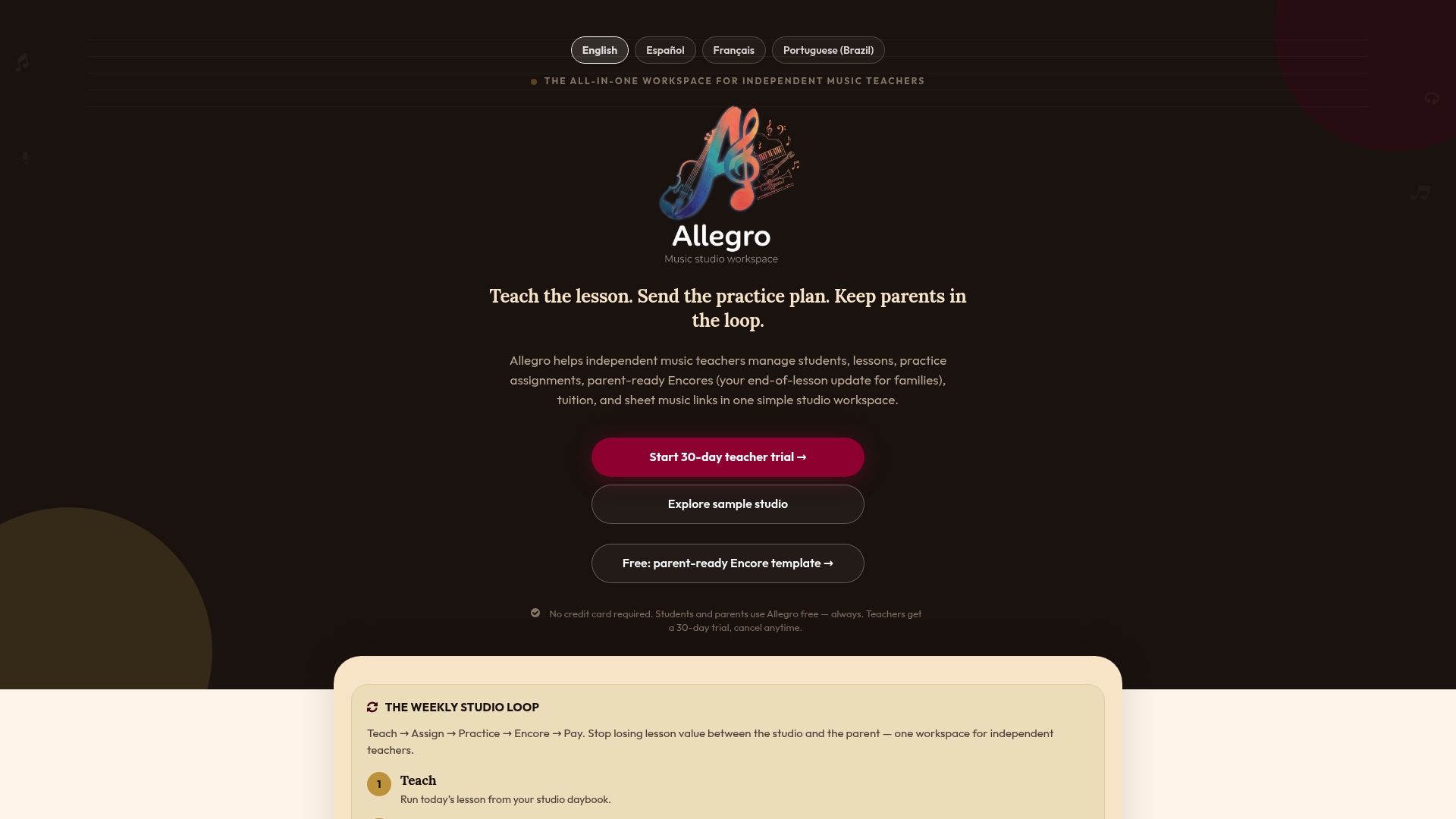
Allegro Music Studio turns each lesson into an Encore that pairs a practice plan with whatever video you attach, so parents get one clear message instead of a scattered thread. Add a demo video to your next Encore or start with the Solo or Studio plan to see how the weekly loop fits your studio.
Sources
- Digital scaffolds (aural model + playback + visual feedback) improve practice accuracy (2026)
- Remote music teacher videos and parent engagement (2022)
- Investigating self-regulated practice support in online string lessons (2024)
FAQ
How long should a demo video for parents be?
Most effective demo videos run between 60 and 90 seconds and focus on a single technical goal rather than a full piece. Shorter, time-stamped clips are more likely to be watched fully, since longer instructional videos have been shown to lose viewers to time pressure, per research on remote music instruction.
What equipment do I need to record demo videos?
A smartphone, a stable surface, and a quiet room cover most needs, with an inexpensive clip-on microphone improving clarity for voice or wind instruments. No dedicated camera or studio lighting is necessary for a clip meant to teach one technique.
How often should I send parents a demo video?
A weekly cadence tied to the lesson works well for most studios, since it matches the practice cycle between sessions. Setting that expectation up front, including roughly how long each clip runs, helps parents build the habit of watching before the next lesson.
How do I keep video feedback private and appropriate for children?
Share clips through private links or logged-in platforms rather than public or searchable video hosting, and get parent permission before recording. Framing on hands or instrument rather than a full face shot limits exposure if a link is ever forwarded beyond the intended recipient.
Can I attach demo videos to progress notes for parents?
Yes, pairing a short video with a written practice plan, such as an Encore in Allegro Music Studio, gives parents both the visual model and the instructions in one message. That combination is easier for a parent to act on than a video or a note sent separately.